Garage-door how-to and troubleshooting guides
Need a hand with a remote, a power cut or a light on your opener? Our how-to guides take you through everyday tasks step by step. Choose your guide below, check that it covers your model and keep the matching manual handy for its diagrams and full instructions.
Urgent repair help · Call 13 62 63
Find your opener model
- Read the model and version on your opener’s label.
- Identify the door type and any AUTO LOCK, Safety Beams, Smart Hub or backup battery.
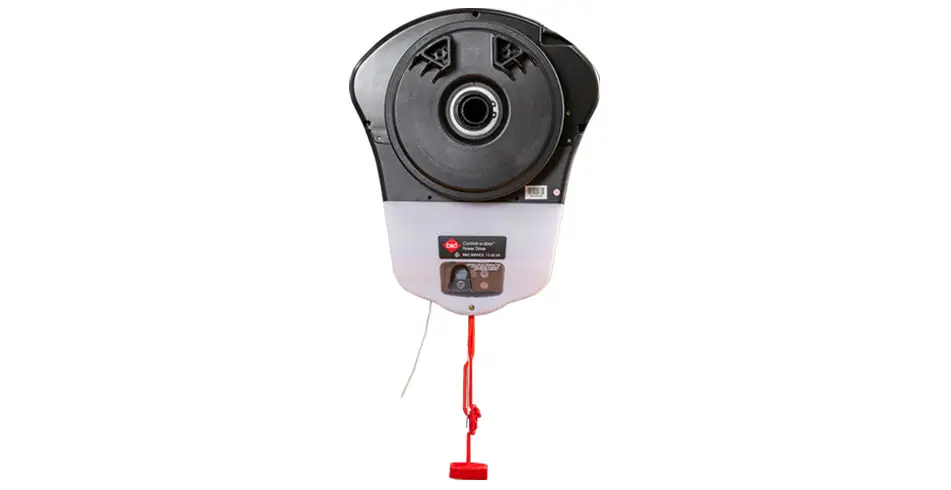
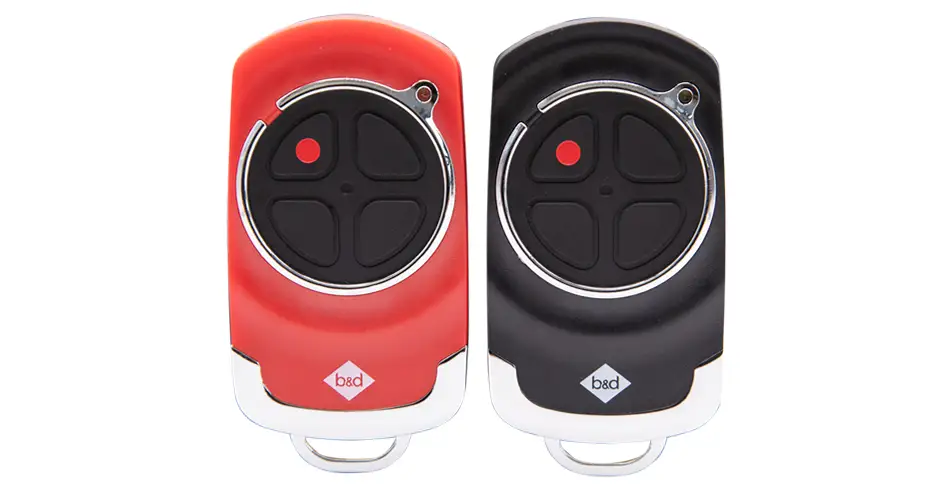
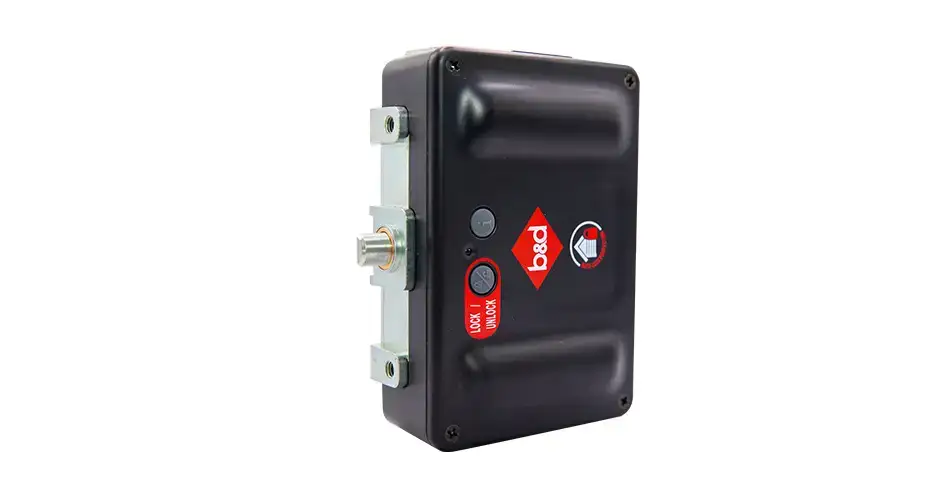
- Match the pictured owner controls and release mechanism to the manual.
- If the model or mechanism differs, use the owner-manual library or ask us to identify it.
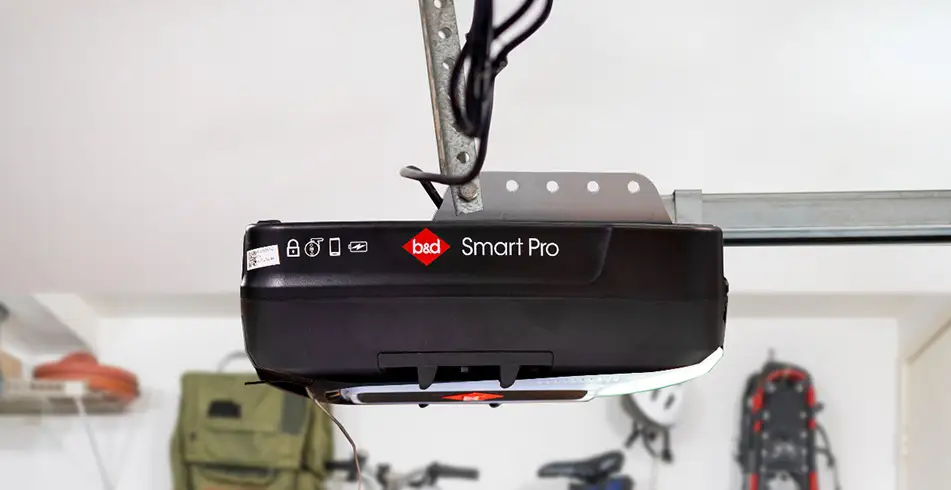
Our sectional coding and release guides cover Secure SDO-6V3, Smart SDO-7V3 and Smart Pro SDO-9V3. The roller guides cover Power Drive RDO-1V4 and Roll-A-Pro RDO-1V3. Have an older opener, PanelMax, commercial operator, Secure-system lock or gate? Choose its own instructions or ask us to help identify it.
How can we help?
| Guide | Model coverage |
|---|---|
| Program a remote for a B&D sectional opener | Secure SDO-6V3, Smart SDO-7V3 and Smart Pro SDO-9V3 |
| Program a wall remote for a B&D sectional opener | Secure SDO-6V3, Smart SDO-7V3 and Smart Pro SDO-9V3 |
| Program a remote for a B&D roller-door opener | Power Drive RDO-1V4 and Roll-A-Pro RDO-1V3 |
| Add a sectional remote using an existing programmed remote | Secure SDO-6V3, Smart SDO-7V3 and Smart Pro SDO-9V3 |
| Erase all remotes from a B&D sectional opener | Secure SDO-6V3, Smart SDO-7V3 and Smart Pro SDO-9V3 |
| Manually open a roller door with Power Drive or Roll-A-Pro | Power Drive RDO-1V4 and Roll-A-Pro RDO-1V3 |
| Manually open a sectional door with Secure, Smart or Smart Pro | Secure SDO-6V3, Smart SDO-7V3 and Smart Pro SDO-9V3 |
| Understand a B&D opener’s beeps and flashing lights | Identify the model first; the page separates common checks from model-specific indications. |
| Troubleshoot a garage door that will not open | Identify the model first; the page separates common checks from model-specific indications. |
| Why a garage door reverses or opens unexpectedly | Identify the model first; the page separates common checks from model-specific indications. |
| Clean and care for a squeaky garage door | Identify the model first; the page separates common checks from model-specific indications. |
Choose the right help for your door
Adding a remote does not require deleting every existing control. Erasing transmitter memory does not reset app access or repair a faulty mechanism. A normal travel light is not automatically a service warning. Each guide explains what to look for and how to verify the result.
When to stop owner checks
Stop if the door is damaged, crooked, unusually heavy or has a broken spring or cable. Keep people and vehicles clear and arrange a repair. Do not release an open or unsupported door, pull it back onto its tracks or adjust springs, cables or opener force settings.
Use safe access to owner controls. Spring/cable work, force and travel adjustment, structural fixings and motor repairs belong with a trained technician. A damaged door should not be released just because a power-outage guide shows a release handle.
Need more help?
find your model’s manual · book a service · arrange a repair · Emergency repair contacts
If the controls, indicators or release mechanism differ from this guide, stop and find your model’s manual or call us on 13 62 63. Have the opener model/version, remote or accessory model and the symptom ready. For damage or repeated faults, arrange a repair.
Your manuals and helpful downloads
- Sectional models: complete manual
- Rolling models: complete manual
- Sectional Quick Operation Guide
- Rolling Quick Operation Guide
- More from B&D
Keep the guide for the model and equipment fitted to your garage. The documents below include the diagrams, full warnings and installer information to support the steps above.
Images on This Page
-
https://api.fouanalytics.com/api/noscript-2080i4coynpv51kq7epl.gif
(no alt text)
-
https://admin.bnd.com.au/media/kvqhfp5m/bd_80years-logo_2026_dark.png?rmode=max&width=2212&height=722
(no alt text)
-
https://admin.bnd.com.au/media/zdmj44kf/showrooms.svg
bnd-showrooms
-
https://admin.bnd.com.au/media/k2bhaqq2/bd-roll-a-door-night-sky-inside.webp?rmode=max&width=0&height=0
Reliable as Can B&D Roll-A-Door Garage Door Interior in Night Sky
-
https://admin.bnd.com.au/media/iigb25uj/bd-panelift-icon-basalt-nullabor.webp?rmode=max&width=0&height=0
Safe as Can B&D Panelift Section Door in Nullabor Basalt
-
https://admin.bnd.com.au/media/2jombqn1/bnd-designer-finishes-sheer-panel.webp?rmode=max&width=4546&height=2564
Bnd-Designer-Finishes-Sheer-Panel
-
https://admin.bnd.com.au/media/0fel4abo/bd-roll-a-door-series-2-commercial-warehouse-forklift.webp?rmode=max&width=951&height=490
Safe as Can B&D Forklift in front of a Series 2 Commercial Roller Door Home
-
https://admin.bnd.com.au/media/m1bpjbhm/bd-toughpanel-commercial-sectional-door.webp?rmode=max&width=1308&height=797
(no alt text)
-
https://admin.bnd.com.au/media/iukar1yo/bd-roll-a-door-series2-commercial-door.webp?rmode=max&width=951&height=490
Safe as Can B&D Angled view of Series 2 commercial Roll-A-Door installed in warehouse Home
-
https://admin.bnd.com.au/media/tt4na5tf/bd-controll-a-door-power-drive-roller-door-opener-profile.webp?rmode=max&width=0&height=0
Reliable as Can B&D Controll-A-Door Power Drive Opener Profile
-
https://admin.bnd.com.au/media/3k3b2sqk/bd-smart-pro-sectional-door-opener-profile-5.webp?rmode=max&width=0&height=0
Smart as Can B&D Profile View of Smart Pro Sectional Door Opener
-
https://admin.bnd.com.au/media/yxbf3xdh/bd-garage-door-remote.webp?rmode=max&width=0&height=0
Safe as Can B&D Two Branded Garage Door Remotes
-
https://admin.bnd.com.au/media/l52nemhn/bd-garage-door-smartphone-control.webp?rmode=max&width=0&height=0
Smart as Can B&D Hand holding smartphone in front of house and garage
-
https://admin.bnd.com.au/media/pfqjekdd/bd-auto-lock-garage-doors.webp?rmode=max&width=0&height=0
Safe as Can B&D Garage Door AUTO LOCK™
-
https://admin.bnd.com.au/media/bifpraoy/bd-safety-beam.webp?rmode=max&width=951&height=490
Safe as Can B&D Infrared Safety Beam Home
-
https://admin.bnd.com.au/media/wvebovpq/bd-service-your-garage-door-and-opener.webp?rmode=max&width=0&height=0
Reliable as Can B&D Happy Customer looking at Garage Door Manual
-
https://admin.bnd.com.au/media/qxah245v/bd-knotwood-panelift-red-gum-garage-door.webp?rmode=max&width=0&height=0
Safe as Can B&D Panelift Garage Door Red Gum Knotwood
-
https://admin.bnd.com.au/media/ubncx3zb/bd-garage-door-service-and-repair.webp?rmode=max&width=0&height=0
Reliable as Can B&D Technician Checking on Garage Door
-
https://admin.bnd.com.au/media/vv1pdb1w/bd-prodema-prodex-garage-door.webp?rmode=max&width=0&height=0
Safe as Can B&D Family Embracing in front of Prodema Prodex Garage Door
-
https://admin.bnd.com.au/media/dewinjj1/bd-controll-a-door-smart-sectional-door-opener-profile-5.webp?rmode=max&width=0&height=0
Smart as Can B&D Controll-A-Door Smart Door Opener Profile
-
https://admin.bnd.com.au/media/scggu1y0/bd-controll-a-door-secure-sectional-door-opener-profile-5.webp?rmode=max&width=0&height=0
Safe as Can B&D Controll-A-Door Secure Door Opener Profile
-
https://admin.bnd.com.au/media/yhbdwdp5/bd-garage-door-wall-remote.webp?rmode=max&width=0&height=0
Reliable as Can B&D Wall Mounted B&D Garage Door Remote
-
https://admin.bnd.com.au/media/mswbsv20/social_facebook.webp?rmode=max&width=0&height=0
facebook social
-
https://admin.bnd.com.au/media/1mdhluow/social_youtube.webp?rmode=max&width=0&height=0
youtube social
-
https://admin.bnd.com.au/media/b5ukqdzp/social_linkedin.webp?rmode=max&width=0&height=0
linkedin social
-
https://admin.bnd.com.au/media/0hxb2b1k/bd-garage-doors-pinterest.webp?rmode=max&width=0&height=0
Pinterest Logo
-
https://admin.bnd.com.au/media/xyhfahvw/instagram-64.webp?rmode=max&width=0&height=0
instagram social
-
https://admin.bnd.com.au/media/dixfjpl4/branding_dulux.webp?rmode=max&width=0&height=0
Dulux page
-
https://admin.bnd.com.au/media/2c0jsrqw/asial-australian-security-industry-association-limited-member-logo.webp?rmode=max&width=0&height=0
ASIAL Australian Security Industry Association Limited Member Logo
-
https://www.bnd.com.au/images/app-store-badge.svg
Download on the App Store
-
https://www.bnd.com.au/images/google-play-badge.svg
Get it on Google Play
-
https://pixel.zprk.io/v5/pixel/ok5dCCY8BD.gif?ssid=1
(no alt text)