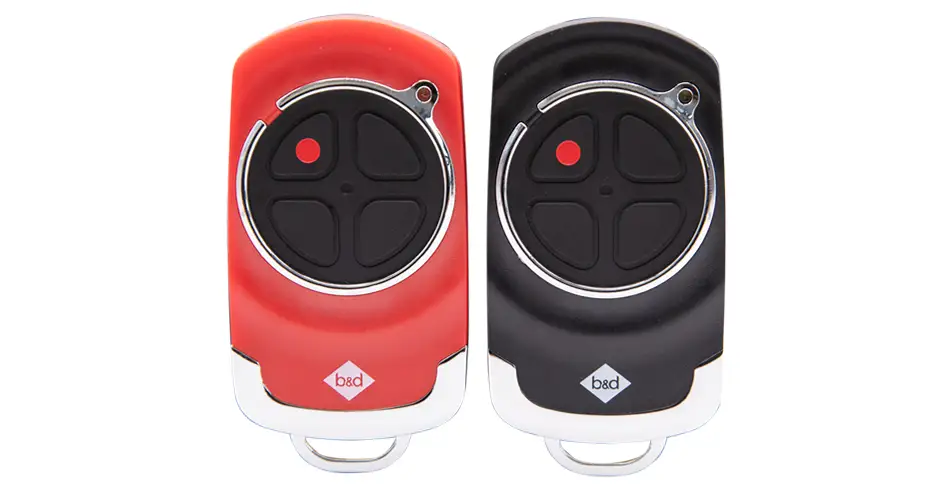
Lost your garage door remote? Let’s secure your access
A missing garage door remote is more than an inconvenience: it may still be able to open your garage. We’ll help you secure the door, remove the old transmitter access and get your remaining remotes working again. Buying a replacement or changing a battery does not disable the missing remote.
1. Keep the garage secure while you arrange help
If the door is mechanically sound and you can operate it safely, close it while keeping the doorway clear. Avoid leaving the garage unattended until you have confirmed that the old transmitter access has been removed.
Do not pull the manual release simply to “disable” the remote. Disengaging the opener disconnects its locking restraint and can leave the door movable by hand. Turning off mains power is also not the same as erasing a remote, and an opener with battery backup may still operate. If you cannot promptly erase the codes or confirm that the door is secure, call us or your installer.
If the door is damaged, unbalanced or open with a suspected broken spring, keep clear and do not move or disengage it. A technician needs to make it safe first.
2. Match the instructions to the opener
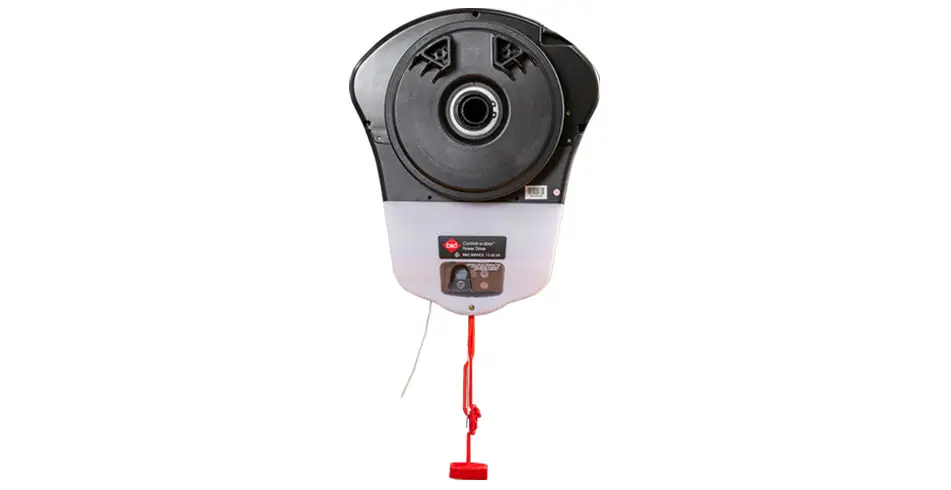
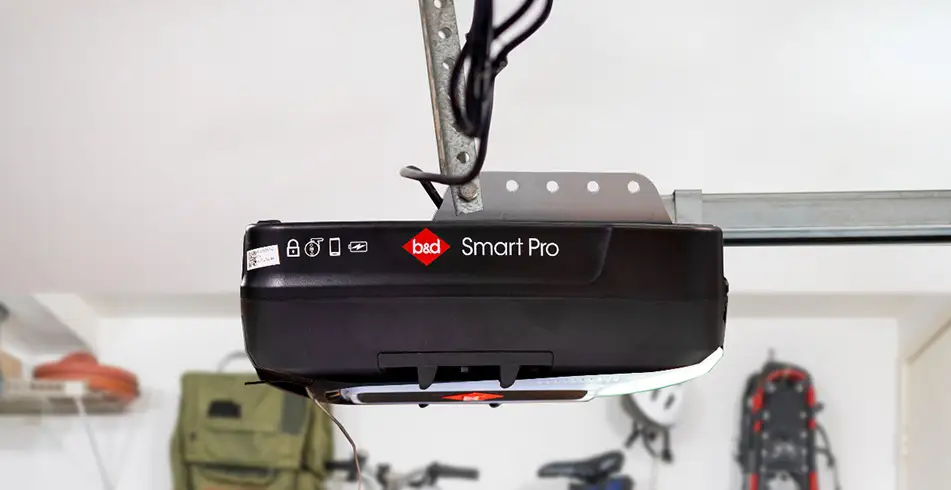
Match the model on your opener’s label before using any instructions. Our Power Drive RDO-1V4 and Roll-A-Pro RDO-1V3 manual (161061_05) and Smart Pro SDO-9V3, Smart SDO-7V3 and Secure SDO-6V3 manual (161083_02) cover different controls. For another model or generation, use our owner manuals or ask us for help.
These procedures clear the opener’s stored transmitter codes. They are not a factory reset, a travel-limit reset or a Wi-Fi account reset. All remotes using the erased memory will need to be programmed again, including a compatible wall transmitter and a spare that was safely stored elsewhere.
Before starting, gather the remotes you still trust, ensure you have safe access to the labelled user controls and keep everyone clear of the door. Only open the user-controls cover identified in the manual. Do not remove an electrical protective housing. If the controls do not match, stop and ask us to identify the correct procedure.
3. Erase the stored transmitter codes
Power Drive RDO-1V4 and Roll-A-Pro RDO-1V3
Section 14.7 of manual 161061_05 shows the following sequence:
- Open the user-controls cover.
- Press and hold CODE SET for six seconds, then release. The LED flashes rapidly.
- All stored transmitter codes are deleted. From a safe position, test a previously programmed remote before programming it again; it should no longer operate the door.
- Refit the controls cover after completing the required programming and checks.
Smart Pro SDO-9V3, Smart SDO-7V3 and Secure SDO-6V3
Section 15.3 of manual 161083_02 uses a different sequence:
- Open the user-controls cover.
- Press MODE repeatedly until the remote indicator is lit.
- Hold MODE for 10 seconds and release when the flashing and beeping stop.
- Before recoding, check that a previously programmed remote no longer operates the door. Then use section 15.1 to store the trusted transmitter codes and refit the controls cover.
Do not substitute one sequence for the other. If a previously programmed remote still operates the door after the erase procedure, access removal has not been confirmed. Contact us before assuming the garage is secure.
4. Program only the remotes you trust
Use the matching coding procedure to restore each remaining remote and wall transmitter. Our roller-opener remote guide and sectional-opener remote guide explain the separate control families.
Test each recoded control with the door in view and the area clear. If the missing remote is later found, treat it as unprogrammed until you deliberately add it again. If that remote also controlled a gate, another garage or a separate receiver, removing it from this opener does not remove its access elsewhere. Ask the relevant installer to check those systems too.
5. Choose a compatible replacement
Match a replacement to the opener model and receiver system, not just the shape of the remote. Our remote compatibility chart distinguishes the transmitter families and supported openers. If your model is not listed, ask your B&D Accredited Dealer before ordering.
The RDO-1V4/RDO-1V3 manual specifies Tri-Tran+ transmitters. Its storage capacities are 64 for Power Drive and eight for Roll-A-Pro. Those numbers apply to those generations; they should not be used to identify an unknown opener or promise compatibility with every B&D remote.
6. Review the other ways into your garage
Keep your spare in a secure place at home rather than leaving it in a vehicle. Check who needs access and make sure everyone knows which remotes have been recoded.
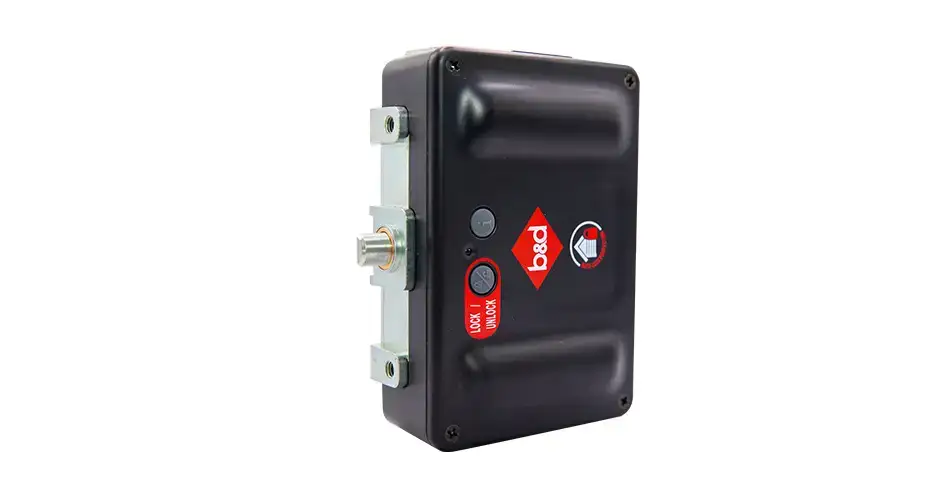
Compatible smartphone control, keypads and physical locking options can make access more convenient, but they do not automatically cancel an existing remote. Erasing transmitter memory also does not necessarily remove app users or change keypad credentials. Review each fitted access method separately with your dealer.
If you’re considering AUTO LOCK or smartphone control, we’ll help confirm suitability for your door, opener and accessory generation. An upgrade is an additional layer of control, not a substitute for removing the missing remote’s access.
Need a hand?
Tell us the model on your opener, which remotes remain, whether the door is currently secure and whether you use any other access methods. We can help identify the right instructions or arrange a technician to clear and restore your trusted access.