B&D
Accessory and remote manuals. Make the right connection.
Find the guide for your smartphone kit, solar kit, keypad, receiver or remote. Start with the opener model and accessory version so the instructions match your system.
Choose the right family
Our smartphone-kit documents distinguish the Secure and PanelMax kit from the earlier kit. SmartSolar and SmartSolar Gen2, FHCRX receivers and FHCRXV2 receivers also have separate instructions.
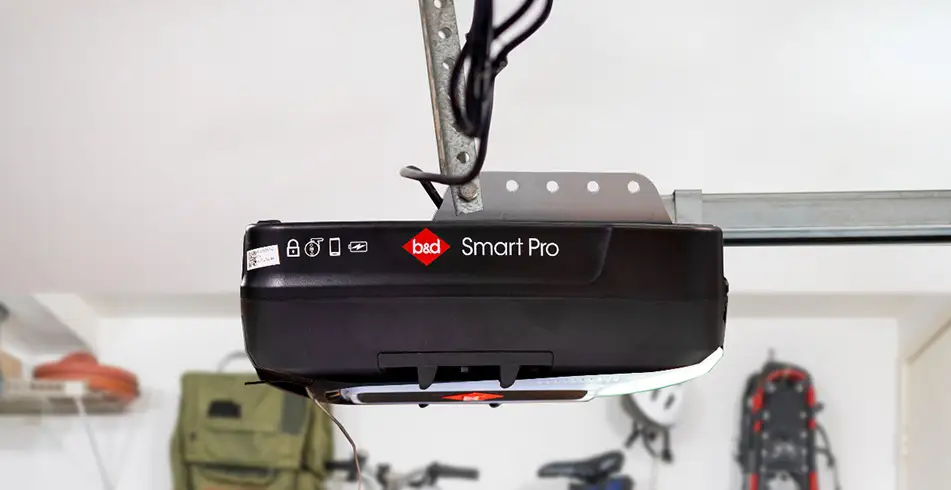
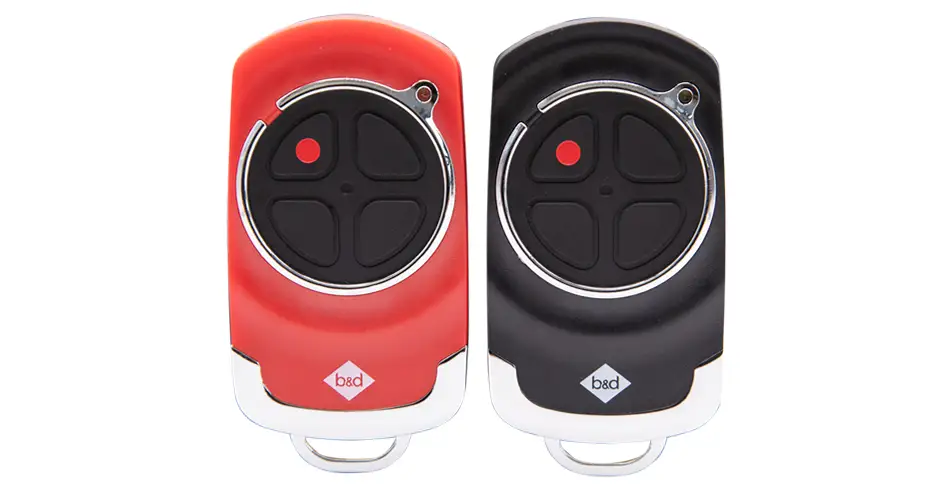
For remote coding, choose the guide naming your opener: Smart Pro, Smart or Secure; PowerDrive or Roll-A-Pro; Advance or Prodigy; CAD-S or PanelPro; or the specified 433 MHz family. Frequency alone does not establish that a remote will work with your opener.
For a KPX-7v4 keypad, use document 163002_00. It covers four-digit PINs, up to 29 additional PINs and programming number buttons 1–8 for compatible devices or functions. The guide shows two opener control layouts; those illustrations do not establish compatibility with every opener. We’ve kept the earlier KPX-7 guides below for version matching. Confirm the keypad and opener models with us if you are unsure.
Download the documents
Downloads
Keep your settings and access secure
Use the normal add-remote procedure when you are adding a handset. Erasing memory or factory-resetting a keypad can remove existing access settings; follow only the matching guide and make sure you understand what that operation changes. Keep remote batteries away from children and follow the battery safety and disposal instructions in your guide.
Our installation instructions are intended for professional garage door installers. Door springs, cables, brackets and opener adjustments need the right training and equipment. For everyday operation, start with our quick operation guides or owner manuals.
Need a hand choosing? Talk to our team or find your local B&D Accredited Dealer. We’ll help you match the product, finish and installation to your home or project.