Why a garage door reverses or opens unexpectedly
An unexpected change in your door’s movement can be worrying. We’ll help you work through the checks: is it reversing while closing, or opening from closed without anyone pressing a control? Knowing the difference helps us look at the right controls, protective devices and mechanism.
Urgent repair help · Call 13 62 63
Stop if operation is unsafe
Stop if the door is damaged, crooked, unusually heavy or has a broken spring or cable. Keep people and vehicles clear and arrange a repair. Do not release an open or unsupported door, pull it back onto its tracks or adjust springs, cables or opener force settings.
Keep the opening in view during permitted checks. Do not deliberately stand beneath a moving door to test its protection, increase force to overcome resistance or disable Safety Beams.
If the door reverses while closing
- With the door stationary, look for a visible object in its path or across the Safety Beam path. Remove loose objects only when safe.
- Check for dirt on accessible beam lenses and an obviously disturbed bracket. Follow the exact beam guide for cleaning; do not rewire or bypass the system.
- If the door appears sound and the path is clear, make one supervised test from a safe position. Stop if it reverses again, moves unevenly or makes a new mechanical noise.
- Record where it reverses and any main-light warning pattern, then arrange assessment if the cause is not resolved.
Resistance, changed door condition and a beam interruption are among the causes described in the model manuals. Environmental changes can affect operation, but they are not a reason to increase force without assessing the door.
If it opens from closed without an intended command
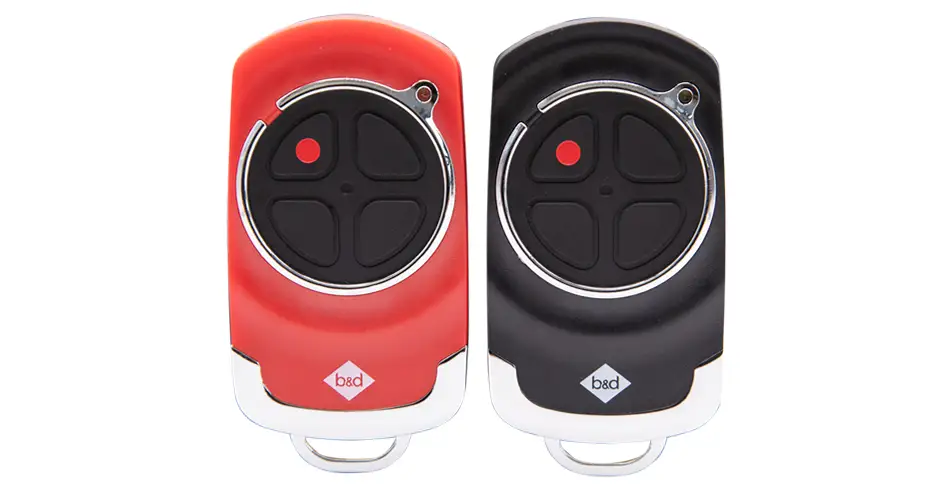
Record the time and circumstances: whether a remote was being carried, another person had access, or a connected system was in use. Check for an accidentally pressed or stuck transmitter button without operating the door repeatedly. Review app users and any configured access integrations with the owner or installer.
These are checks to help identify the cause, not a diagnosis that interference or a particular accessory is responsible. If unexpected operation continues, keep people clear and arrange service. Ask the technician how to leave your specific system safe and secure while waiting.
Use the correct indications
For Secure SDO-6V3, Smart SDO-7V3 and Smart Pro SDO-9V3, two main-light flashes after operation indicate a beam-related condition and eight indicate an obstruction event in the referenced warning table. MODE-on diagnostic faults use a different table. For Power Drive RDO-1V4 and Roll-A-Pro RDO-1V3, normal OPEN/CLOSE indicator flashing during travel is not that sectional warning code.
If a remote is lost or access has changed
Review retained remotes, wireless wall controls, keypad arrangements and app users separately. On the specified sectional models, erasing all transmitter codes removes every stored transmitter and requires re-coding. It is an access-management action, not a repair for a mechanical fault.
Tell the technician what happened
Describe whether movement started from fully closed or reversed during travel, which controls and accessories are installed, the light pattern, recent changes and any impact or unusual noise.
If the controls, indicators or release mechanism differ from this guide, stop and find your model’s manual or call us on 13 62 63. Have the opener model/version, remote or accessory model and the symptom ready. For damage or repeated faults, arrange a repair.
Your manuals and helpful downloads
- Sectional manual: reversing and obstruction diagnosis, pages 21–22
- Rolling-opener manual: troubleshooting, page 20
- More from B&D
Keep the guide for the model and equipment fitted to your garage. The documents below include the diagrams, full warnings and installer information to support the steps above.
Images on This Page
-
https://api.fouanalytics.com/api/noscript-2080i4coynpv51kq7epl.gif
(no alt text)
-
https://admin.bnd.com.au/media/kvqhfp5m/bd_80years-logo_2026_dark.png?rmode=max&width=2212&height=722
(no alt text)
-
https://admin.bnd.com.au/media/zdmj44kf/showrooms.svg
bnd-showrooms
-
https://admin.bnd.com.au/media/k2bhaqq2/bd-roll-a-door-night-sky-inside.webp?rmode=max&width=0&height=0
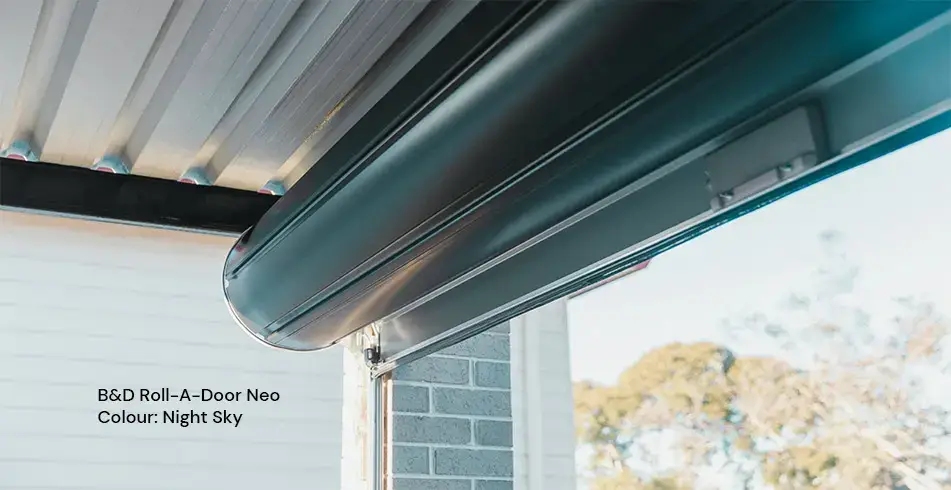
Reliable as Can B&D Roll-A-Door Garage Door Interior in Night Sky
-
https://admin.bnd.com.au/media/iigb25uj/bd-panelift-icon-basalt-nullabor.webp?rmode=max&width=0&height=0
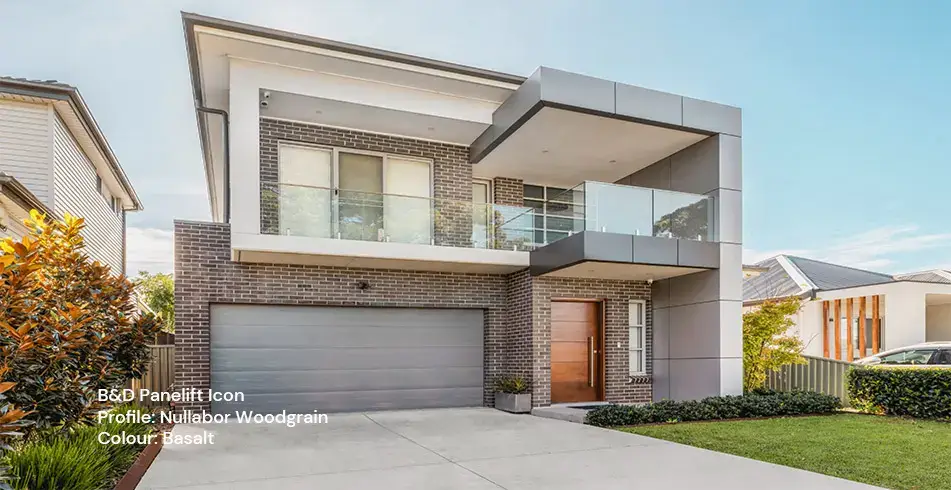
Safe as Can B&D Panelift Section Door in Nullabor Basalt
-
https://admin.bnd.com.au/media/2jombqn1/bnd-designer-finishes-sheer-panel.webp?rmode=max&width=4546&height=2564
Bnd-Designer-Finishes-Sheer-Panel
-
https://admin.bnd.com.au/media/0fel4abo/bd-roll-a-door-series-2-commercial-warehouse-forklift.webp?rmode=max&width=951&height=490
Safe as Can B&D Forklift in front of a Series 2 Commercial Roller Door Home
-
https://admin.bnd.com.au/media/m1bpjbhm/bd-toughpanel-commercial-sectional-door.webp?rmode=max&width=1308&height=797
(no alt text)
-
https://admin.bnd.com.au/media/iukar1yo/bd-roll-a-door-series2-commercial-door.webp?rmode=max&width=951&height=490
Safe as Can B&D Angled view of Series 2 commercial Roll-A-Door installed in warehouse Home
-
https://admin.bnd.com.au/media/tt4na5tf/bd-controll-a-door-power-drive-roller-door-opener-profile.webp?rmode=max&width=0&height=0
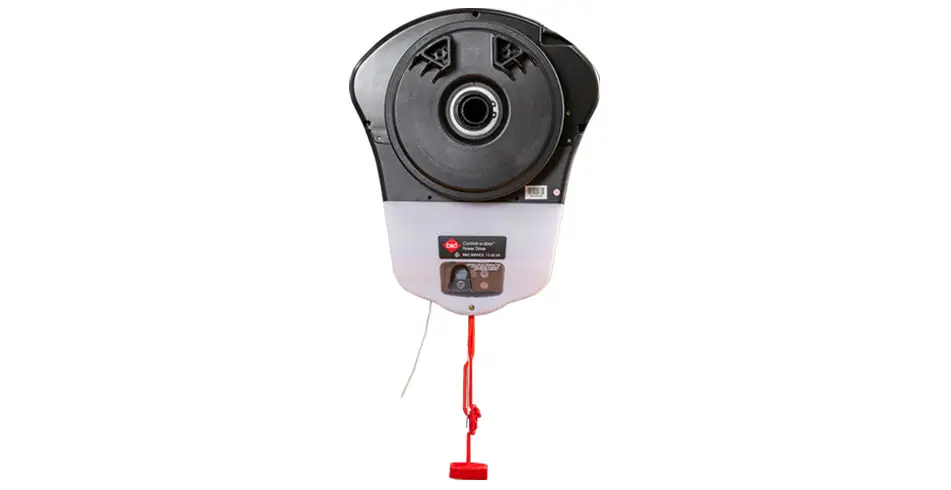
Reliable as Can B&D Controll-A-Door Power Drive Opener Profile
-
https://admin.bnd.com.au/media/3k3b2sqk/bd-smart-pro-sectional-door-opener-profile-5.webp?rmode=max&width=0&height=0
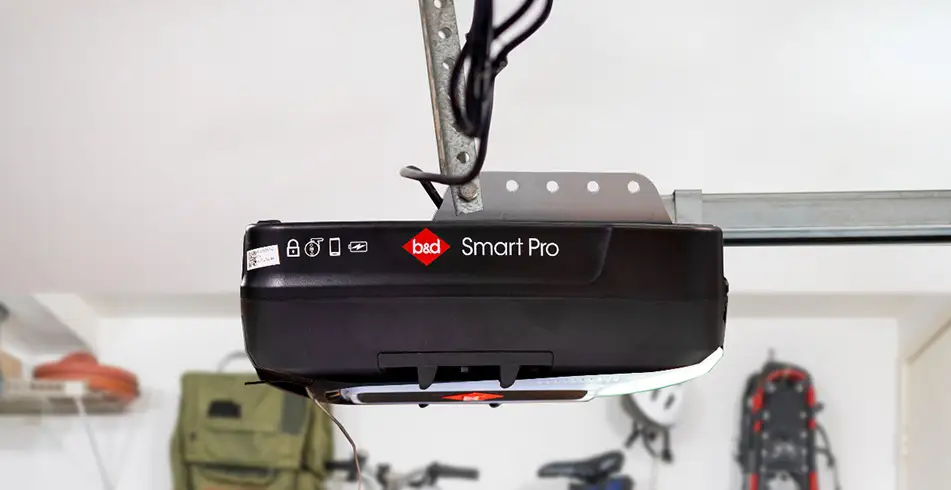
Smart as Can B&D Profile View of Smart Pro Sectional Door Opener
-
https://admin.bnd.com.au/media/yxbf3xdh/bd-garage-door-remote.webp?rmode=max&width=0&height=0
Safe as Can B&D Two Branded Garage Door Remotes
-
https://admin.bnd.com.au/media/l52nemhn/bd-garage-door-smartphone-control.webp?rmode=max&width=0&height=0
Smart as Can B&D Hand holding smartphone in front of house and garage
-
https://admin.bnd.com.au/media/pfqjekdd/bd-auto-lock-garage-doors.webp?rmode=max&width=0&height=0
Safe as Can B&D Garage Door AUTO LOCK™
-
https://admin.bnd.com.au/media/bifpraoy/bd-safety-beam.webp?rmode=max&width=951&height=490
Safe as Can B&D Infrared Safety Beam Home
-
https://admin.bnd.com.au/media/ubncx3zb/bd-garage-door-service-and-repair.webp?rmode=max&width=0&height=0
Reliable as Can B&D Technician Checking on Garage Door
-
https://admin.bnd.com.au/media/mswbsv20/social_facebook.webp?rmode=max&width=0&height=0
facebook social
-
https://admin.bnd.com.au/media/1mdhluow/social_youtube.webp?rmode=max&width=0&height=0
youtube social
-
https://admin.bnd.com.au/media/b5ukqdzp/social_linkedin.webp?rmode=max&width=0&height=0
linkedin social
-
https://admin.bnd.com.au/media/0hxb2b1k/bd-garage-doors-pinterest.webp?rmode=max&width=0&height=0
Pinterest Logo
-
https://admin.bnd.com.au/media/xyhfahvw/instagram-64.webp?rmode=max&width=0&height=0
instagram social
-
https://admin.bnd.com.au/media/dixfjpl4/branding_dulux.webp?rmode=max&width=0&height=0
Dulux page
-
https://admin.bnd.com.au/media/2c0jsrqw/asial-australian-security-industry-association-limited-member-logo.webp?rmode=max&width=0&height=0
ASIAL Australian Security Industry Association Limited Member Logo
-
https://www.bnd.com.au/images/app-store-badge.svg
Download on the App Store
-
https://www.bnd.com.au/images/google-play-badge.svg
Get it on Google Play
-
https://pixel.zprk.io/v5/pixel/ok5dCCY8BD.gif?ssid=1
(no alt text)