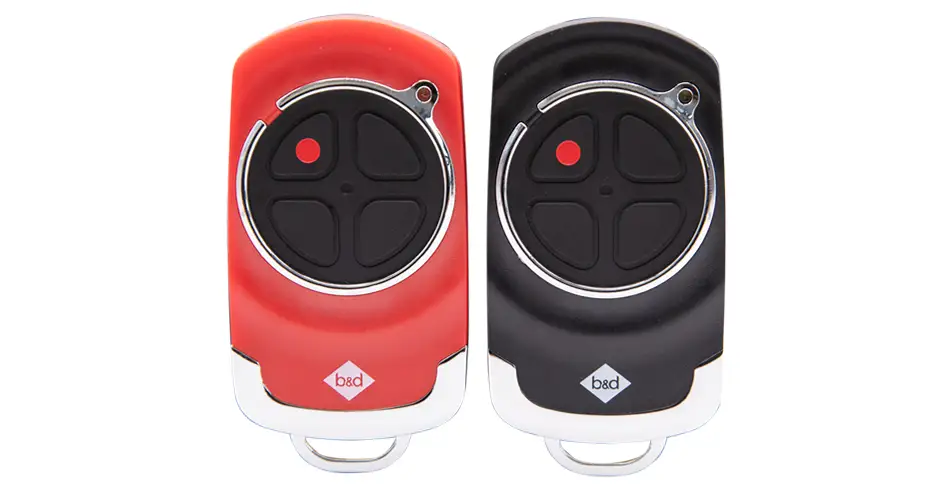
Program a remote for a B&D sectional opener
A spare remote makes coming and going easier. We’ll show you how to add a compatible handheld control to the sectional models below. Check your opener’s model, follow each step and test the remote with the doorway clear.
Urgent repair help · Call 13 62 63
Check your model
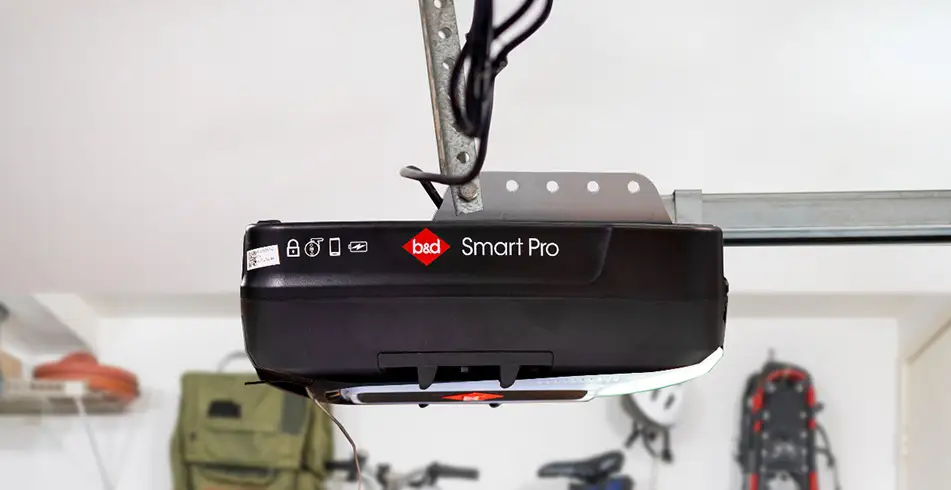
Applies to Secure SDO-6V3, Smart SDO-7V3 and Smart Pro SDO-9V3. Check the model/version label and match the controls to the linked manual before starting. A familiar product name or remote appearance alone does not establish compatibility.
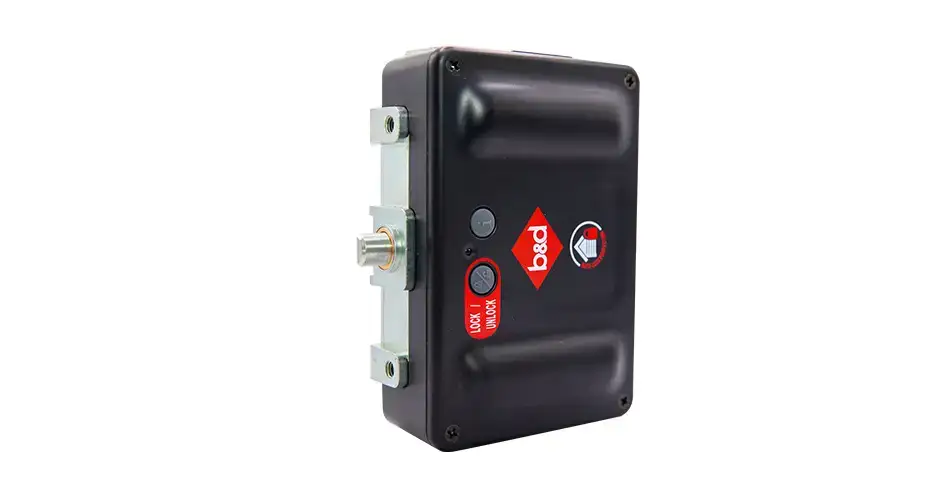
This procedure does not cover every older B&D opener, PanelMax, commercial operator or gate motor. Use the instructions for that exact model. Roll-A-Door Secure and installations with an automatic lock also need their separate lock/system procedure.
Before you start
Work only on a sound door with its travel path clear and in view. Use safe access to the owner controls; if you cannot reach them safely, ask an installer for help. Remove only the small controls cover shown in the manual, not the motor housing. Keep children away and be ready for door movement when a remote is pressed.
Program normal Open / Stop / Close
- Switch on the opener’s power and remove the controls cover.
- Press MODE repeatedly until the remote indicator is lit.
- Press and keep holding the blue CLOSE / down-arrow button on the opener.
- While holding CLOSE, press the chosen button on the compatible handheld remote for 3 seconds, then release the transmitter button.
- Press that same transmitter button again for 3 seconds, then release it. Release the opener’s CLOSE button.
- Refit the controls cover. Stand clear with the door in view and press the programmed button to test operation.
Use a button you want to assign to normal Open / Stop / Close operation. The manual has different button combinations for light, pedestrian, vacation and other functions; do not substitute those combinations here.
Read the coding feedback
| Main light and beeper during coding | Meaning in the SDO-6V3 / 7V3 / 9V3 manual |
|---|---|
| Light on + 2 beeps | Button added |
| Light off + 2 beeps | Button removed |
| Light flashes twice, then off + 2 beeps | Remote control deleted |
| Light flashes four times, then off + 4 beeps | Memory full |
These models store up to 64 transmitters. Check the coding feedback before repeating the steps, as coding an existing control can remove its assignment. Use this table while programming; the main-light warnings after a door cycle have different meanings.
If the control does not work
- Check the transmitter is compatible and its battery is serviceable.
- Confirm the remote indicator was selected, rather than network or adjustment mode.
- Confirm you held the opener’s CLOSE button during both three-second transmitter presses.
- Check the signal table before trying again; do not erase every remote just to add one.
If the controls, indicators or release mechanism differ from this guide, stop and find your model’s manual or call us on 13 62 63. Have the opener model/version, remote or accessory model and the symptom ready. For damage or repeated faults, arrange a repair.
Your manuals and helpful downloads
- SDO-6V3 / 7V3 / 9V3 manual, section 15.1, page 16
- Wall transmitter, section 15.5, page 17
- Matching Quick Operation Guide, section 3
- More from B&D
Keep the guide for the model and equipment fitted to your garage. The documents below include the diagrams, full warnings and installer information to support the steps above.
Images on This Page
-
https://api.fouanalytics.com/api/noscript-2080i4coynpv51kq7epl.gif
(no alt text)
-
https://admin.bnd.com.au/media/kvqhfp5m/bd_80years-logo_2026_dark.png?rmode=max&width=2212&height=722
(no alt text)
-
https://admin.bnd.com.au/media/zdmj44kf/showrooms.svg
bnd-showrooms
-
https://admin.bnd.com.au/media/k2bhaqq2/bd-roll-a-door-night-sky-inside.webp?rmode=max&width=0&height=0
Reliable as Can B&D Roll-A-Door Garage Door Interior in Night Sky
-
https://admin.bnd.com.au/media/iigb25uj/bd-panelift-icon-basalt-nullabor.webp?rmode=max&width=0&height=0
Safe as Can B&D Panelift Section Door in Nullabor Basalt
-
https://admin.bnd.com.au/media/2jombqn1/bnd-designer-finishes-sheer-panel.webp?rmode=max&width=4546&height=2564
Bnd-Designer-Finishes-Sheer-Panel
-
https://admin.bnd.com.au/media/0fel4abo/bd-roll-a-door-series-2-commercial-warehouse-forklift.webp?rmode=max&width=951&height=490
Safe as Can B&D Forklift in front of a Series 2 Commercial Roller Door Home
-
https://admin.bnd.com.au/media/m1bpjbhm/bd-toughpanel-commercial-sectional-door.webp?rmode=max&width=1308&height=797
(no alt text)
-
https://admin.bnd.com.au/media/iukar1yo/bd-roll-a-door-series2-commercial-door.webp?rmode=max&width=951&height=490
Safe as Can B&D Angled view of Series 2 commercial Roll-A-Door installed in warehouse Home
-
https://admin.bnd.com.au/media/tt4na5tf/bd-controll-a-door-power-drive-roller-door-opener-profile.webp?rmode=max&width=0&height=0
Reliable as Can B&D Controll-A-Door Power Drive Opener Profile
-
https://admin.bnd.com.au/media/3k3b2sqk/bd-smart-pro-sectional-door-opener-profile-5.webp?rmode=max&width=0&height=0
Smart as Can B&D Profile View of Smart Pro Sectional Door Opener
-
https://admin.bnd.com.au/media/yxbf3xdh/bd-garage-door-remote.webp?rmode=max&width=0&height=0
Safe as Can B&D Two Branded Garage Door Remotes
-
https://admin.bnd.com.au/media/l52nemhn/bd-garage-door-smartphone-control.webp?rmode=max&width=0&height=0
Smart as Can B&D Hand holding smartphone in front of house and garage
-
https://admin.bnd.com.au/media/pfqjekdd/bd-auto-lock-garage-doors.webp?rmode=max&width=0&height=0
Safe as Can B&D Garage Door AUTO LOCK™
-
https://admin.bnd.com.au/media/bifpraoy/bd-safety-beam.webp?rmode=max&width=951&height=490
Safe as Can B&D Infrared Safety Beam Home
-
https://admin.bnd.com.au/media/mswbsv20/social_facebook.webp?rmode=max&width=0&height=0
facebook social
-
https://admin.bnd.com.au/media/1mdhluow/social_youtube.webp?rmode=max&width=0&height=0
youtube social
-
https://admin.bnd.com.au/media/b5ukqdzp/social_linkedin.webp?rmode=max&width=0&height=0
linkedin social
-
https://admin.bnd.com.au/media/0hxb2b1k/bd-garage-doors-pinterest.webp?rmode=max&width=0&height=0
Pinterest Logo
-
https://admin.bnd.com.au/media/xyhfahvw/instagram-64.webp?rmode=max&width=0&height=0
instagram social
-
https://admin.bnd.com.au/media/dixfjpl4/branding_dulux.webp?rmode=max&width=0&height=0
Dulux page
-
https://admin.bnd.com.au/media/2c0jsrqw/asial-australian-security-industry-association-limited-member-logo.webp?rmode=max&width=0&height=0
ASIAL Australian Security Industry Association Limited Member Logo
-
https://www.bnd.com.au/images/app-store-badge.svg
Download on the App Store
-
https://www.bnd.com.au/images/google-play-badge.svg
Get it on Google Play
-
https://pixel.zprk.io/v5/pixel/ok5dCCY8BD.gif?ssid=1
(no alt text)