Help your garage door remote battery last
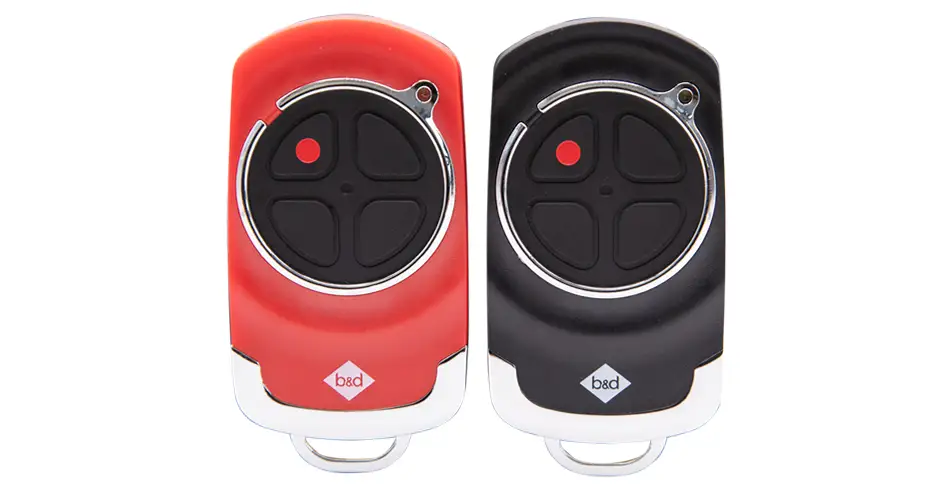
A weak remote battery can make everyday entry frustrating, but not every missed command is a battery problem. Range, interference, registration and opener faults can produce similar symptoms. We’ll help you separate those issues and find the correct battery for your remote.
Our quote form opens on our main B&D website. For a fault, use the service or repair option in this guide; charges are confirmed separately.
Identify which battery needs attention
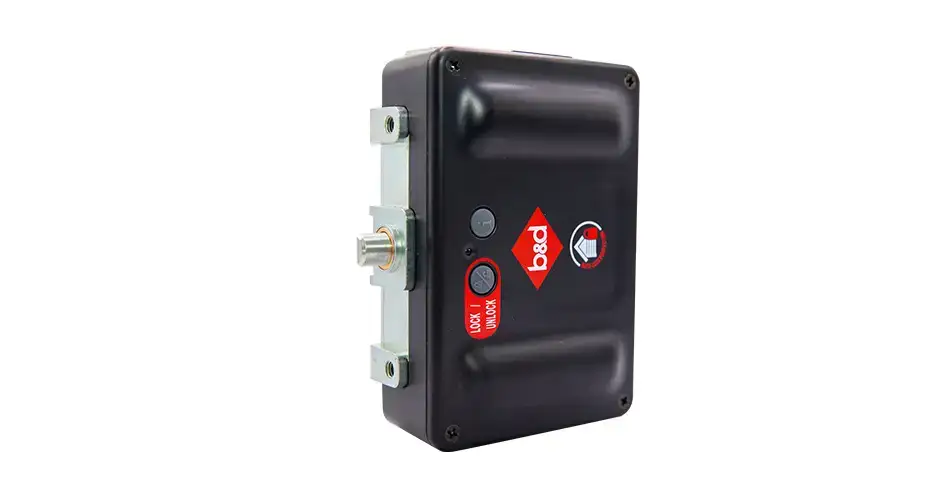
Your handheld remote, a wireless Safety Beam, sectional AUTO LOCK and opener Battery Backup are different devices. They do not use interchangeable batteries or charging routines.
The handheld transmitters described in the RDO-1V3/RDO-1V4 and SDO-6V3/7V3/9V3 manuals use a CR2032 3 V battery. Check the label and guide for the actual remote before buying a replacement. Other generations or accessories may differ. Do not substitute a rechargeable cell unless the product instructions explicitly permit it.
Reduce avoidable use and exposure
Store the remote in a dry place away from prolonged heat and direct sunlight where practical. Keep it secure and out of children’s reach. Make sure a keyring, tight pocket or object in a drawer is not holding a button down.
Press the button normally rather than repeatedly holding it because the door has not moved. If response changes, check from a safe position with a clear view of the door. Keep the doorway clear and do not walk beneath a moving door while testing.
There is no fixed battery lifespan for every remote. Usage, storage, battery condition and the remote itself all affect it. Repeated early failure is a reason to have the unit checked, rather than keep changing batteries indefinitely.
Use the symptoms to narrow the problem
| Symptom | Useful next step |
|---|---|
| One remote fails but another works | Check the affected remote’s battery, condition and registration |
| Range has reduced | Check the specified battery and consider surroundings or radio interference |
| Every control fails | Check opener power and visible status indications; it may not be a remote issue |
| New batteries repeatedly drain quickly | Have buttons, contacts and the remote assessed |
| Motor runs but the door does not move | Follow the model guide or contact us; this is not normally solved by a remote battery |
Tri-Tran+ uses multiple frequencies to help reduce interference, but no radio system eliminates every source of disruption. A compatible aerial or receiver assessment may be appropriate after basic checks.
Replace the battery using the remote’s instructions
Follow the opening method and polarity shown for your remote. Keep the small parts and both new and used batteries away from children. Refit the battery cover securely before using the remote. Do not use a unit with a damaged compartment that cannot retain the battery properly.
Button batteries can cause serious injury if swallowed or inserted into the body; seek immediate medical attention if that may have happened. Dispose of used batteries through an appropriate collection point.
Keep backup-power advice separate
An opener’s rechargeable Battery Backup needs the charging and care routine for that model. It does not recharge the handheld remote. The lock’s own batteries also remain separate from the opener backup supply.
Find your remote options or locate the model manual. Have photographs of the remote and opener labels ready when you contact us.
Brochures and model guides
Use the guide for your actual model and supplied configuration. These references explain the specifications and conditions discussed above.
Talk to us about your garage
Tell us what you have now and what you want to improve. We’ll help you choose the right next step through our dealer network.