B&D
Quick operation guides. Get to know your controls.
Find the everyday operating guide for your opener or sectional AUTO LOCK. Each guide is specific to the model shown, so check the label on your product before using it.
Choose the guide for your product
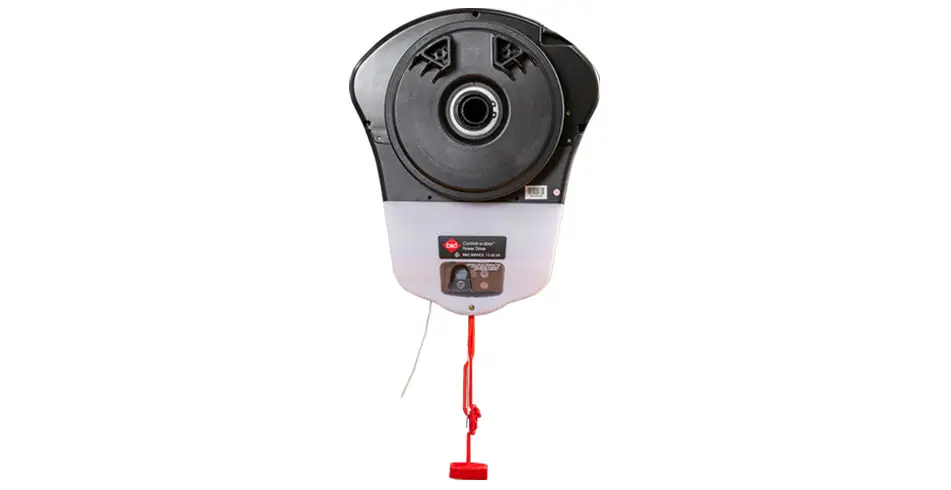
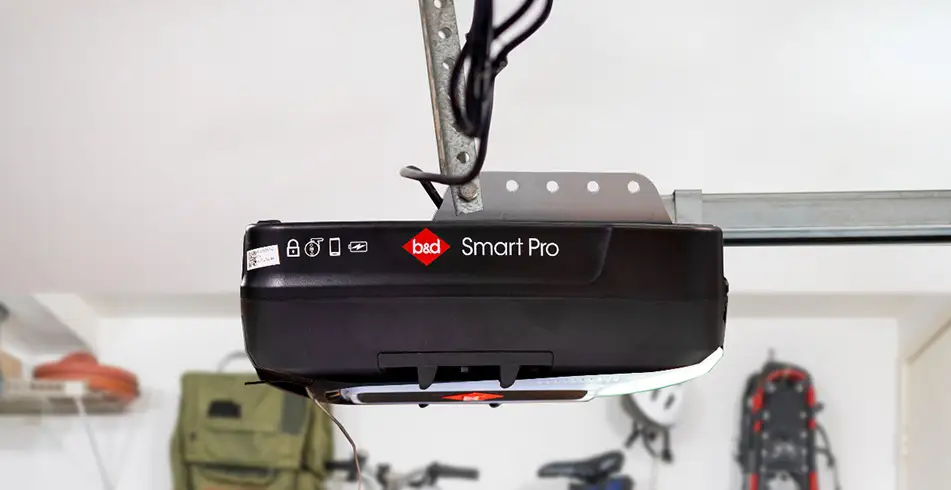
Our sectional guides cover Smart Pro, Smart and Secure together, with a separate guide for PanelMax. Our roller guide covers PowerDrive and Roll-A-Pro. Toro GDO-10 and Hiro GDO-12 each have their own ATA guide.
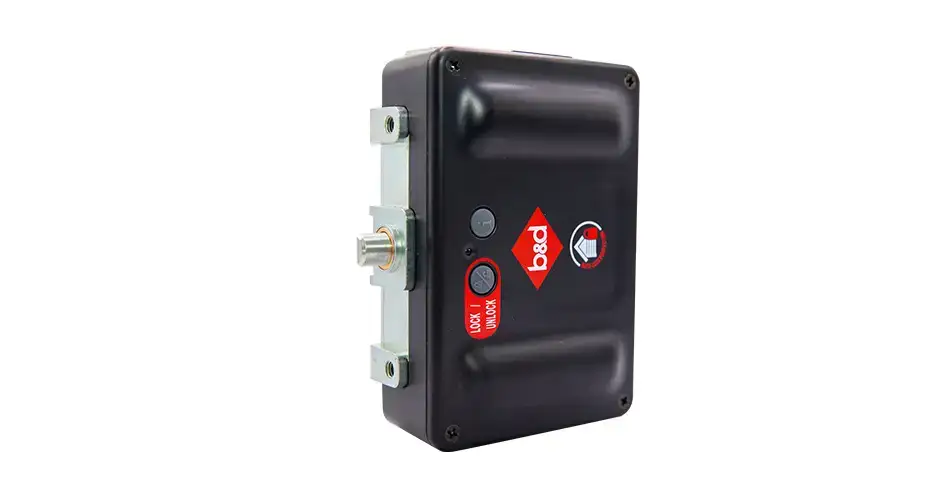
The sectional AUTO LOCK guide covers the lock’s status and manual lock operation. It does not replace your opener’s manual-release instructions, and it should not be used as the guide for a roller-door lock.
Download the documents
Downloads
| Manual or document | Identify the right document |
|---|---|
| B&D Quick Operation Guide Smart Pro, Smart & Secure (PDF) | 6 pages. |
| B&D Quick Operation Guide PanelMax (PDF) | 6 pages. |
| B&D Quick Operation Guide Sectional AUTO LOCK™ (PDF) | Document 161076_01. 2 pages. |
| B&D Quick Operation Guide Powerdrive & Roll-A-Pro (PDF) | 6 pages. |
| ATA Openers Quick Operation Guide Toro (PDF) | Document 160475_00. 2 pages. |
| ATA Openers Quick Operation Guide Hiro (PDF) | 6 pages. |
Use your door with confidence
Keep people, pets and vehicles clear of the doorway while the door is moving. If you need manual operation, read your guide first and disengage with the door closed where the instructions recommend it. If the door is damaged, unbalanced or hard to move, stop and book a repair.
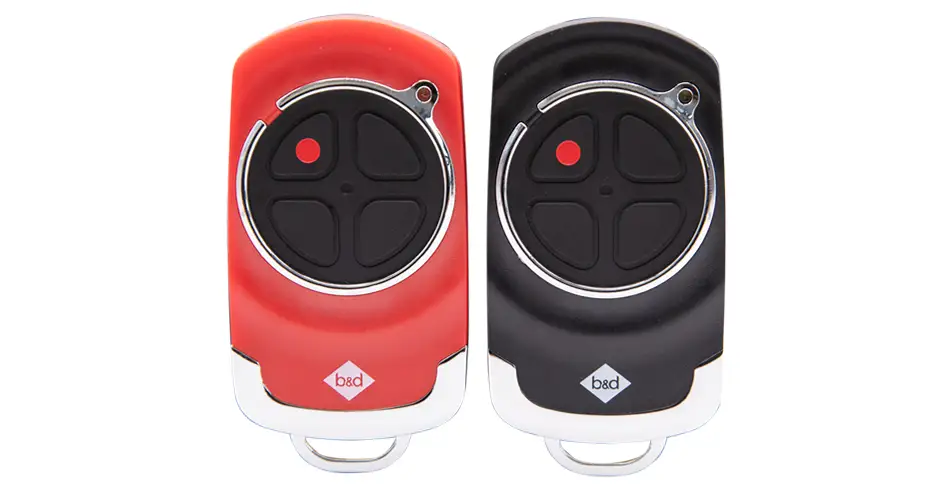
For remote coding, use our model-specific remote guides. For installation or commissioning, use the full opener manual.