Smart as can B&D
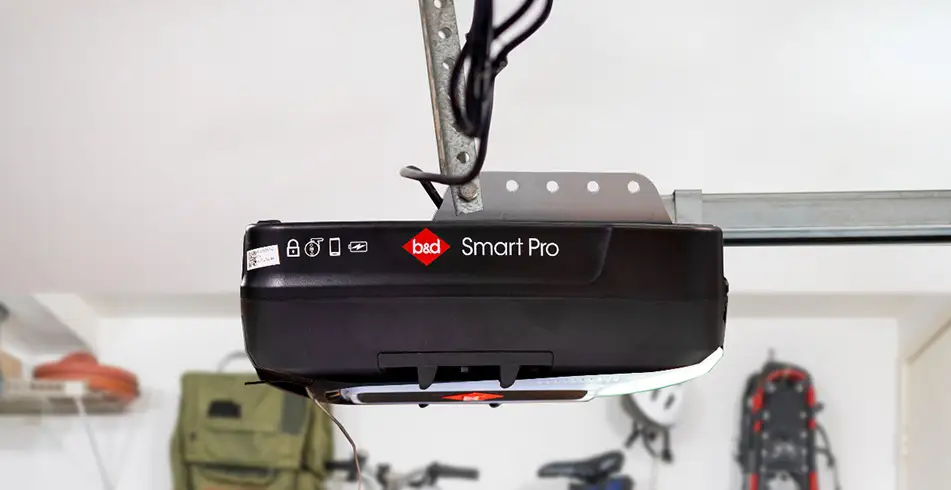
Busy mornings can leave you wondering whether the garage door closed. With a compatible B&D smartphone-control setup, you can check supported door status and manage access through the app. We’ll help you choose the right equipment for the opener you have or the new system you are planning.
Begin with the opener, not just your phone
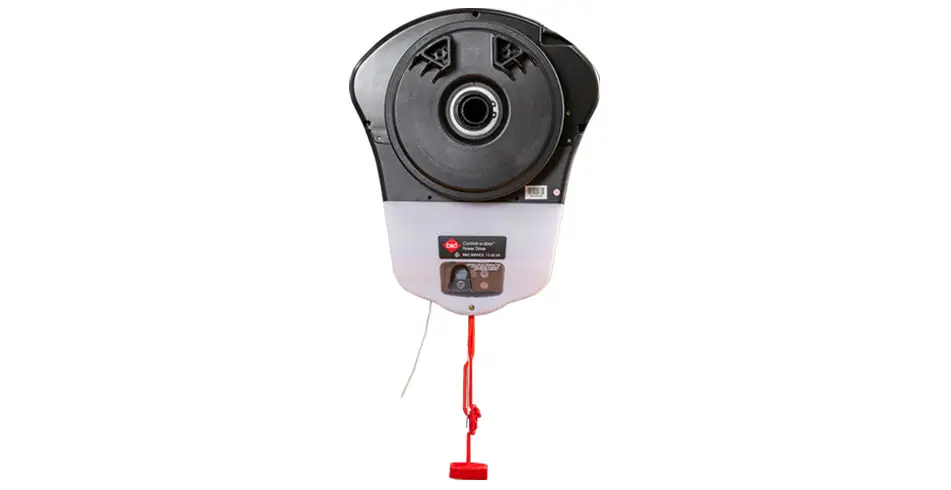
An integrated hub and an external Smart Phone Control Kit are different arrangements. Compatibility depends on the opener model and generation, hub and app. Find the model label before choosing a kit, and compare our smartphone-control information. A new app download alone does not make every older opener connected.
Check the complete installation
The system needs its specified network connection and compatible Safety Beams for the supported out-of-sight operation. Your installer should confirm door limits and protective devices before handing over app control. Do not bypass a beam or change the opener’s travel settings to solve a network problem.
Use the features your version supports
Door status, notifications and authorised access can make everyday use easier, but the available functions depend on the installed hardware and current app. Ask us to demonstrate the features you need. If an older video shows a different screen, use the current guide for your version instead of assuming the same settings are available.
Keep physical security in the picture
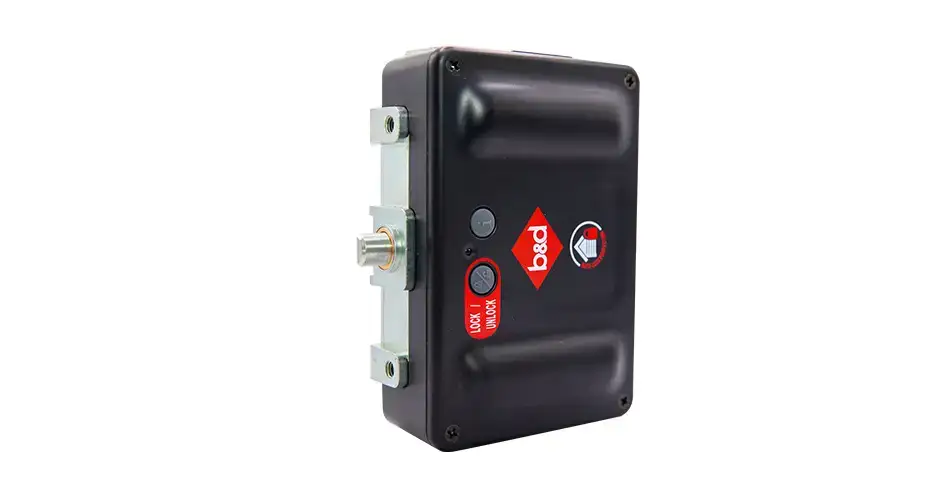
Smartphone access controls operation; it does not install a physical locking bolt. If you want additional locking, ask about the appropriate AUTO LOCK or complete Secure system for your door. A closed status should not be read as confirmation of every separate lock or as a guarantee that the building is secure.
Manage access when life changes
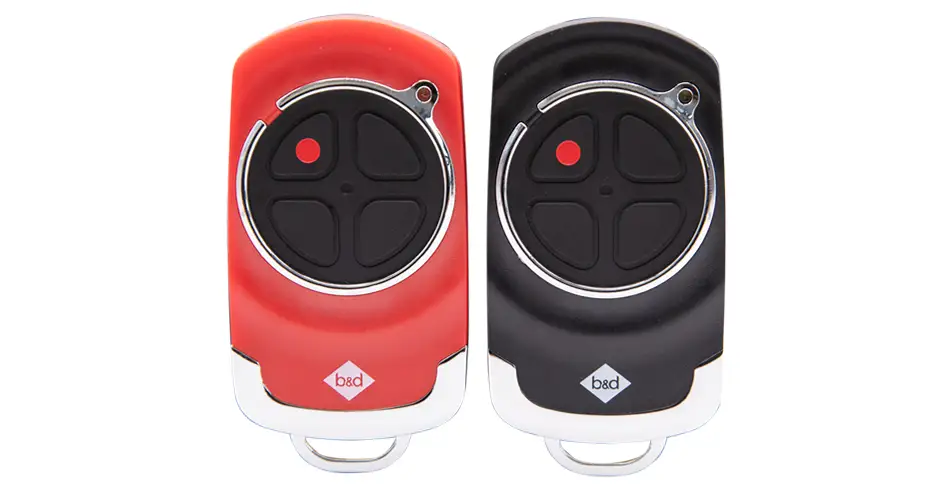
Keep account access secure and review authorised users when occupants, carers or service arrangements change. Radio remotes, keypad PINs and app permissions are separate forms of access. Removing an app user does not necessarily remove a radio transmitter, and erasing radio memory is not a routine Wi-Fi troubleshooting step.
Have a plan for a connection or power problem
Remote operation depends on the system’s power and connection. Keep a suitable alternative entrance and understand the matching owner instructions while the door is working normally. Battery backup is a separate compatibility decision. If the door itself is damaged or unbalanced, stop use and arrange a repair rather than trying to operate it through another control.
Explore the detail with us
Find the product information and instructions for your own door and opener in our owner-manual library. For a new door, we can discuss the measured opening and the options that suit your project.